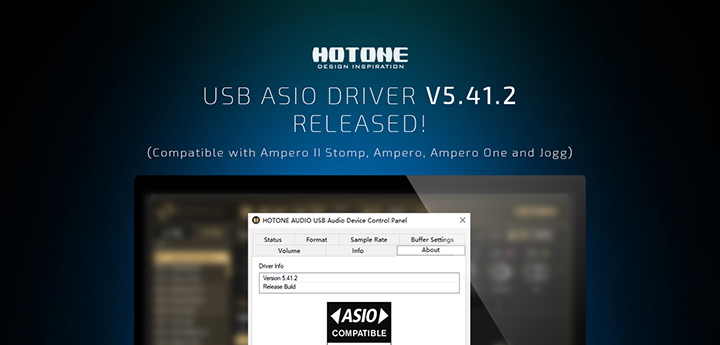
New Version 5.41.2
Released 8/12/2022
Important
Windows 7, 8, and 8.1 are no longer supported in this and future versions.
Improvements, Changes & Bug Fixes
1.Support for Windows 11
2.Support for Windows 10 version 21H2
3.Support for multi-client ASIO
4.Various bug fixes and improvements
Hotone USB ASIO Driver User Guide
1. Power on your Hotone audio device (e.g. Ampero) and
connect it to your computer. Then install Hotone USB ASIO
Driver.
2. Launch your DAW (take Cubase 8 Element version as an
example), then click "Devices" – "Device Setup".

3. In "Device Setup" window, select "VST Audio".
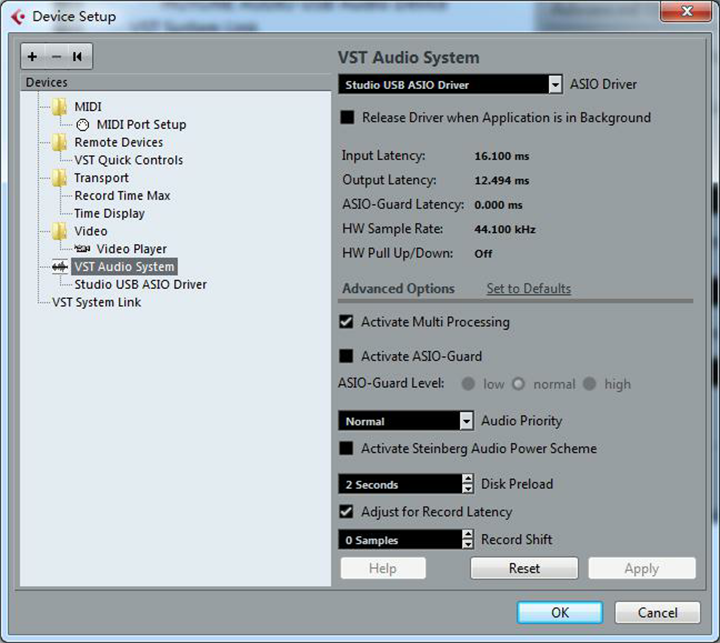
4. Find "HOTONE AUDIO USB Audio Device" in the ASIO Driver drop down menu, choose it, and click "OK".
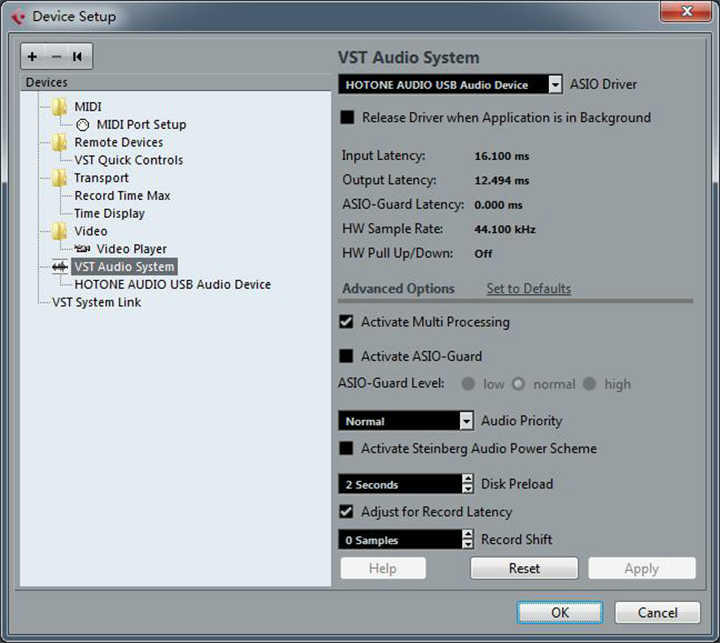
5. Rock out!
Click here to download the USB ASIO Driver V5.41.2.